
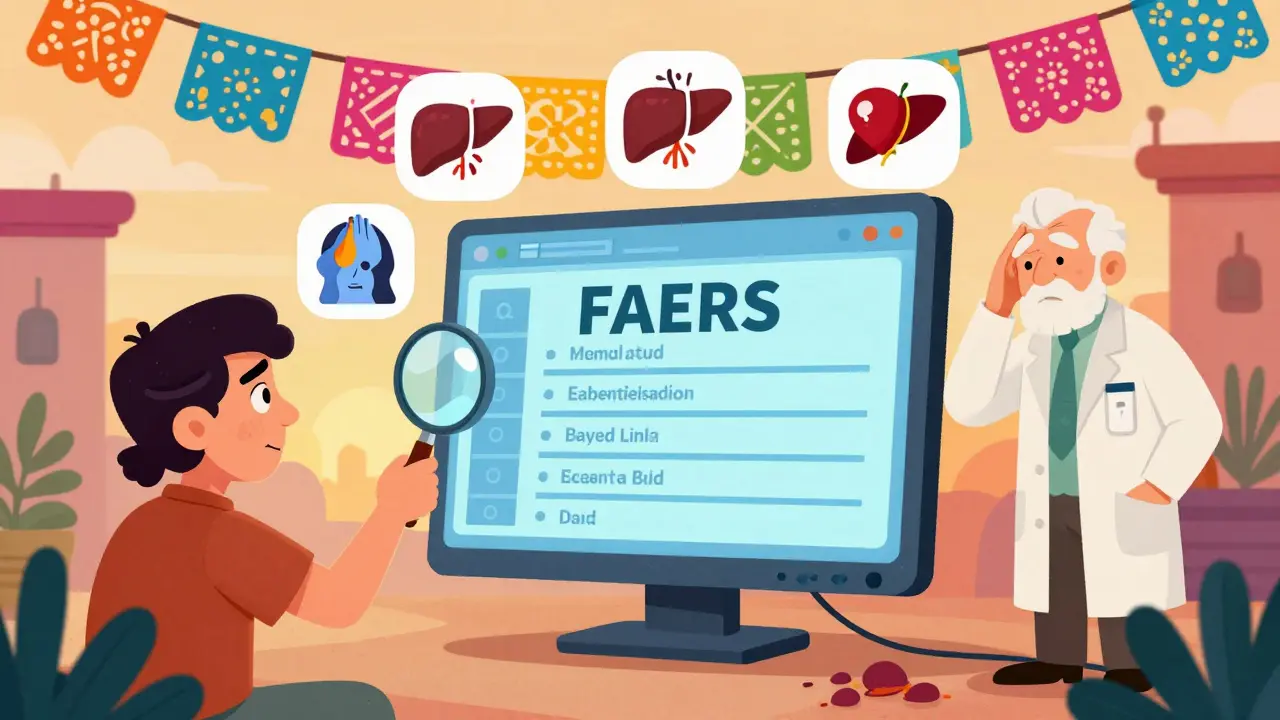
FAERS Side Effect Risk Calculator
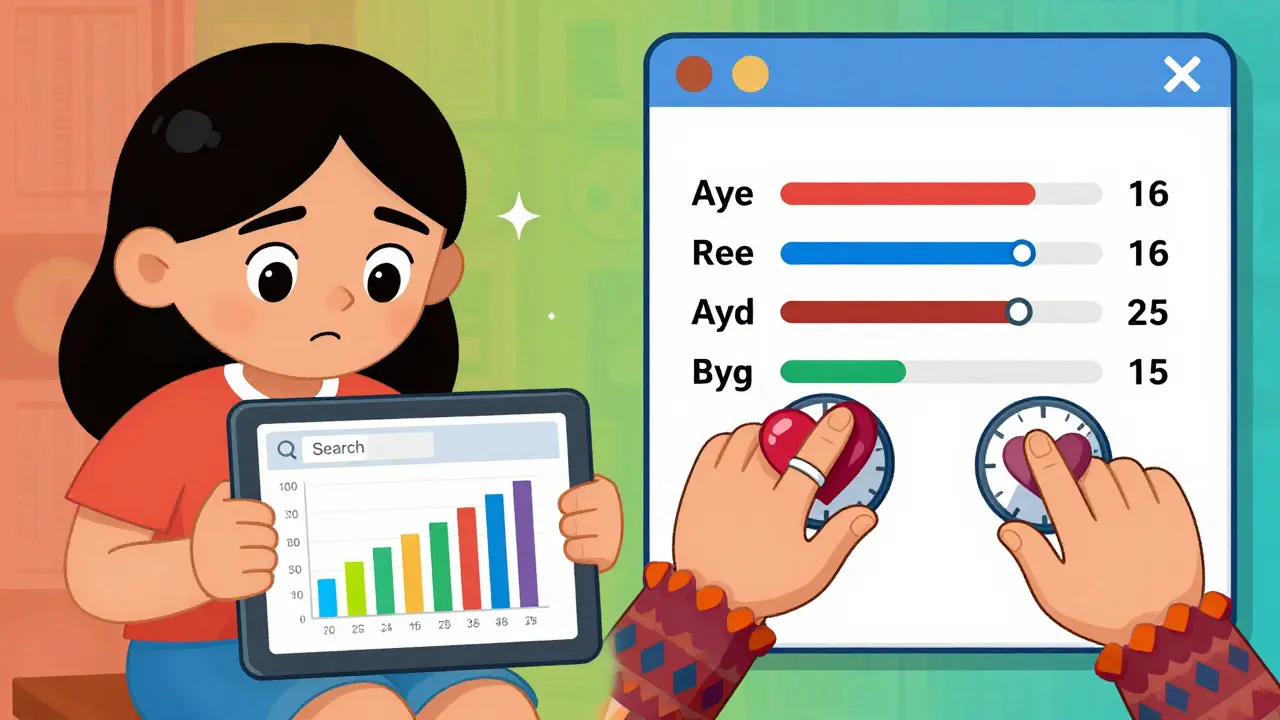
This tool demonstrates how to properly interpret FAERS data by calculating relative risk using reported side effects and estimated patient population.
Important Note: FAERS reports do not provide true incidence rates. This tool helps you understand the difference between raw report counts and actual risk.
Example: If 120 patients reported "liver injury," enter 120
Example: If 1 million people take the drug, enter 1000000
Select type to understand appropriate interpretation
When you’re trying to understand if a medication might cause serious side effects, the FDA’s FAERS database is one of the most powerful tools available. But it’s not a simple lookup. If you type in a drug name and assume the top reactions mean it’s dangerous, you’re likely misreading the data. FAERS doesn’t tell you how often a side effect happens-it tells you what people reported. And not all reports are equal.
What FAERS Actually Shows
The FDA Adverse Event Reporting System (FAERS) collects reports of side effects, medication errors, and product issues from doctors, pharmacists, patients, and drug manufacturers. Since August 2024, it’s been updated in real time-no more waiting three months for new data. That’s a big improvement. But real-time doesn’t mean verified. Each report is just someone’s observation. The FDA doesn’t confirm if the drug actually caused the problem. A person might have had a headache while taking a new blood pressure pill, but they could’ve also been stressed, slept poorly, or drank too much coffee. FAERS captures all of it.
As of Q3 2024, the database held over 2.7 million reports involving single drugs, covering the last ten years. About 75% of those came from pharmaceutical companies, who are legally required to submit serious cases within 15 days. The rest come from healthcare providers and patients filing directly through MedWatch. The system uses MedDRA, a standardized medical terminology, to code reactions like "dizziness," "liver injury," or "suicidal ideation." That helps group similar reports across different drugs.
How to Search the FAERS Public Dashboard
The easiest way to start is with the FAERS Public Dashboard. Go to the FDA’s website and click on the blue search bar at the top. Type in a drug name-use the generic name, not the brand. For example, search "lisinopril," not "Zestril." The dashboard only lets you search up to five drugs at once, so keep it focused.
After you search, you’ll see a bar chart showing reports by year. That’s useful for spotting trends, but it doesn’t tell you what side effects were reported. To see those, click the dropdown menu on the right above the chart and select "cases by reaction." Now you’ll get a list of symptoms tied to that drug, ranked by how many times they were reported.
Here’s where people get tripped up: the top reaction isn’t necessarily the most dangerous. It might just be the most commonly reported. Headaches and nausea appear at the top of almost every drug because they’re common, non-specific symptoms. What matters more are rare but serious events-like liver failure or blood clots-that show up even once in a large dataset. Those are the red flags the FDA watches for.
Use Filters to Cut Through the Noise
Don’t just look at the raw numbers. Use the filters. You can narrow results by:
- Reporter type (healthcare professional vs. consumer)
- Patient age and gender
- Report outcome (hospitalization, death, disability)
- Year of report
For example, if you’re concerned about a diabetes drug causing pancreatitis in older adults, filter for patients over 65 and select "hospitalization" as the outcome. You’ll see if the reports cluster in that group. If you see 15 reports of pancreatitis in people over 70, but only 2 in people under 40, that’s worth paying attention to-even if the total number is small.
Also, check for multiple brand names. Metformin is sold as Glucophage, Fortamet, Riomet, and others. If you only search "metformin," you might miss reports filed under the brand names. The dashboard doesn’t auto-include synonyms, so search each version separately if you’re doing thorough research.
Don’t Confuse FAERS With MAUDE
If you’re looking for side effects from a medical device-like a pacemaker, insulin pump, or hip implant-you’re in the wrong place. FAERS is only for drugs and biologics. For devices, use the MAUDE database (Manufacturer and User Facility Device Experience). Device names are messy. One company might sell three versions of the same pump with slightly different model numbers. If you search "insulin pump," you’ll get hundreds of unrelated results. You need the exact model name. If you don’t remember it, check your medical records. Your provider is required to document what device you received.
What FAERS Can’t Tell You
FAERS is not a risk calculator. You can’t say, "This drug caused 400 heart attacks, so 1 in 100 users will have one." That’s wrong. Why? Because the database doesn’t tell you how many people took the drug. If 10 million people took Drug A and 50 had a seizure, that’s rare. If only 500 people took Drug B and 5 had a seizure, that’s 1 in 100-much higher risk. But FAERS doesn’t give you the denominator. All you see are the reports.
Also, reporting is biased. Serious events get reported more often. Mild side effects? Often ignored. If you feel a little dizzy after taking a new pill, you might not report it. But if you end up in the ER, someone will. That skews the data toward severe outcomes. Plus, manufacturers report more than anyone else-and they’re more likely to report events they’re legally required to. That means the data reflects regulatory obligations, not real-world experience.
That’s why experts say FAERS is best for signal detection, not proof. If 20 people report sudden kidney failure after taking a new cholesterol drug, and no one else has reported that before, the FDA takes notice. They’ll dig deeper. They might run a study. They might update the label. But FAERS alone won’t prove the drug caused it.
Advanced Tools: VisDrugs and PharmaPendium
If you’re a researcher or healthcare professional, the Public Dashboard might feel too basic. That’s where tools like VisDrugs and PharmaPendium come in.
VisDrugs lets you compare two or more drugs side by side. You can input a list of antidepressants and see which ones have higher reporting rates for weight gain or sexual dysfunction. It uses forest plots and pie charts to show odds ratios-statistical measures that help identify which side effects are more common with one drug versus another. It’s built for people who understand data, but it’s free and easy to use.
PharmaPendium, from Elsevier, is more powerful but requires a subscription. It lets you use Boolean logic-search for "drug A AND NOT drug B" or "drug C OR drug D"-to compare groups. You can filter by age, gender, reporter type, and outcome. It’s the go-to tool for pharmacovigilance teams at big hospitals and drug companies.
What to Do With This Data
If you’re a patient: Use FAERS to ask better questions. If you see a rare but serious side effect listed, talk to your doctor. Don’t stop your medication based on a report. But do say: "I saw this reaction in the FDA database. Should I be worried?"
If you’re a clinician: Use FAERS to spot patterns in your patients. If five of your elderly patients on a new anticoagulant developed falls, check the database. You might find it’s a known issue. That helps you adjust prescribing.
If you’re a researcher or journalist: Use FAERS to find signals for deeper investigation. Look for sudden spikes in reports after a drug launches. Look for events that aren’t listed on the label. That’s how new safety warnings get discovered.
Bottom Line
FAERS is a vital tool, but it’s not a crystal ball. It’s a starting point. Real-time updates mean faster warnings, but they also mean more noise. The key is knowing what you’re looking at. Focus on rare, serious events. Use filters. Compare drugs. Don’t assume high report numbers mean high risk. And always remember: reports are not proof. They’re clues. The FDA uses them to decide when to investigate further. You can use them to make smarter decisions-about your health, your patients, or your research.


Written by Guy Boertje
View all posts by: Guy Boertje